
Band Server
for Ableton Live
Launch scenes with lyrics, charts, pages, backdrop, and sheet music.One source, every device.
macOS · 60-day trial · One-time license for one Mac
Watch the tour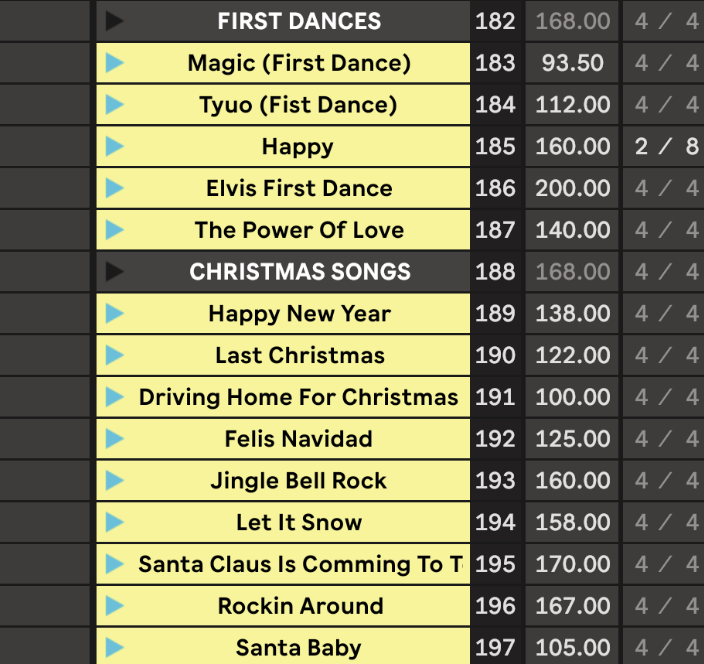
- 01Build your set
- 02Share the QR
- 03Press Play
- 04Your screens follow
Build the set.
Change it live.
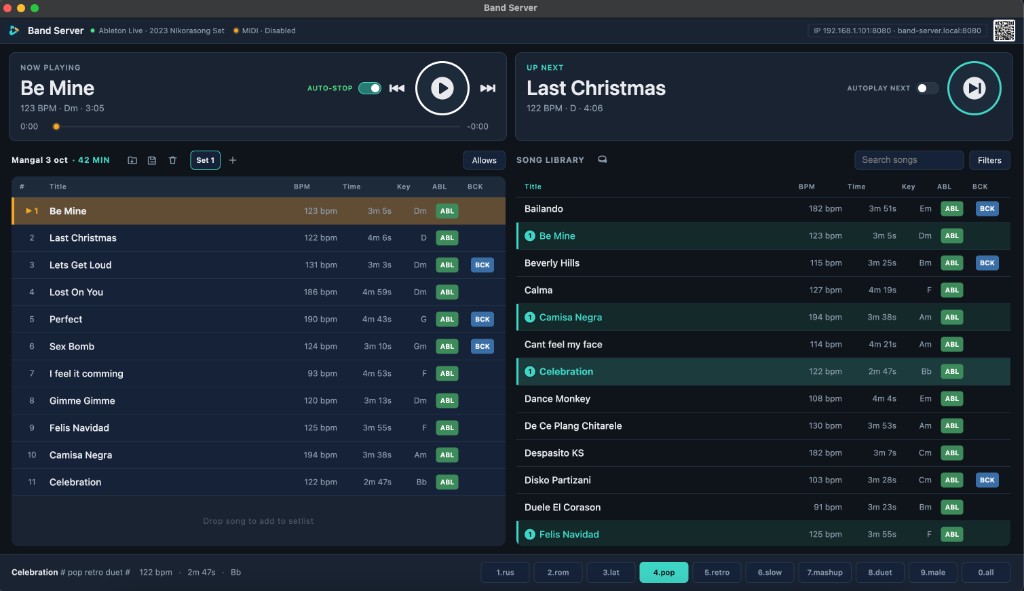
Add scenes to the set. Save and load it instantly. Reorder songs on the fly, and every screen follows.
Every player.
Their own screen.
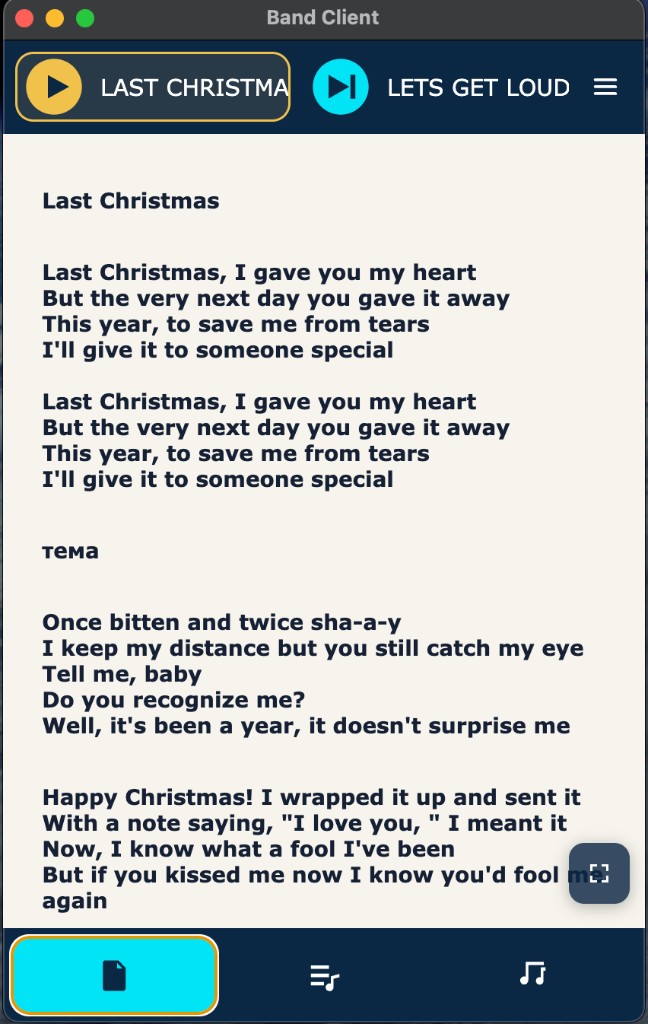
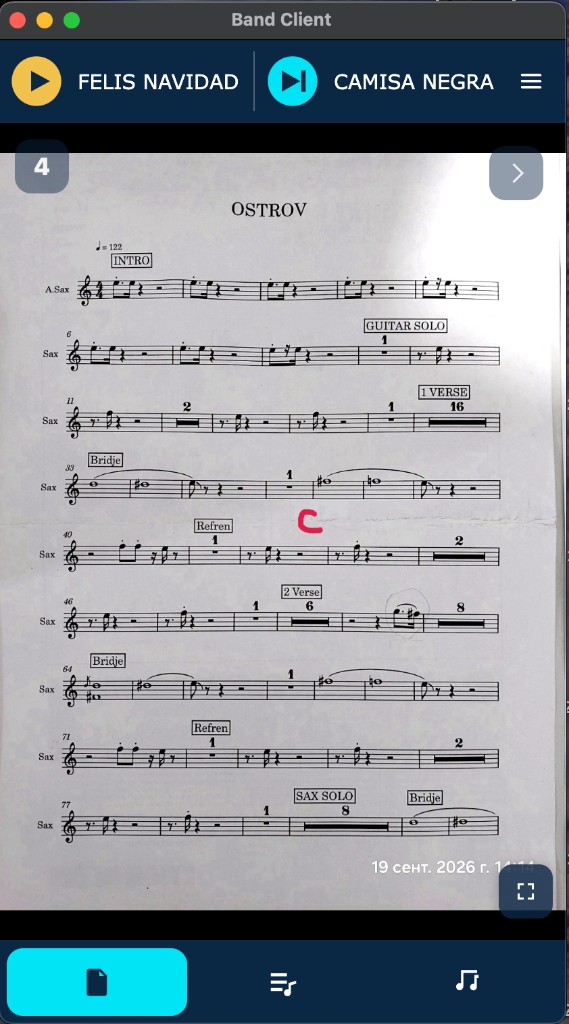
Lyrics, images, PDFs, karaoke, backdrops, and monitors. Scan the QR. No accounts. Connect in a browser, or find your server with the Android client.
Your controller.
On stage.
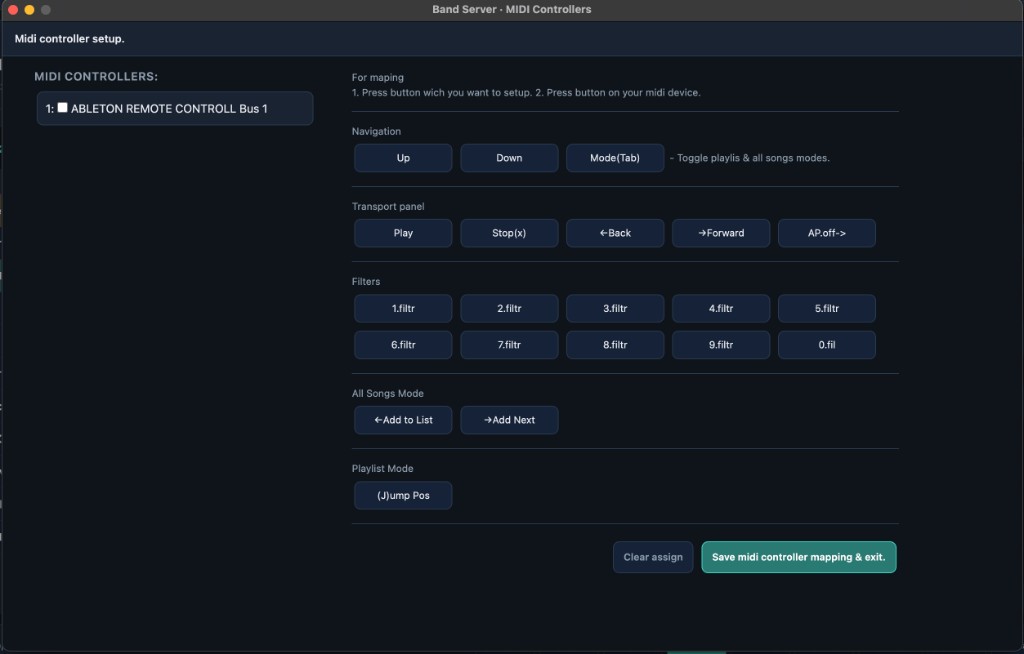
Connect a MIDI controller and run the show from it.
One Mac.
Every show.
Price to be confirmed
One-time payment · One Mac
Try everything for 60 days. Full access during the trial. Then activate with a key sent by email.
Before the first show.
Is Band Server Mac only?
The show runs on a Mac. Players open their screen in a phone or tablet browser on the same network. An Android app can find the server.
Do I need internet on stage?
The band stays on your local network. Internet is needed the first time you open the app, so the trial can start, and again when you activate a key.
Do I need Ableton Live?
The main job is managing Ableton scenes and tying lyrics, sheet music, and images to each one. Without Ableton, that content still reaches the players during the show, when the band is not using playback.
What happens after 60 days?
The trial is the full app for 60 days. When it ends, a license key keeps the show running. Without a key, Band Server asks you to activate.
How many tablets can connect?
As many as the stage needs. A tablet is the usual screen, and a phone works the same way. Everyone joins the same Wi-Fi, with no account per device.
How do I receive my license key?
The key is sent to your email after you buy. You enter it in Band Server on the Mac.